Creative agent for eyewear brands
Give your frames a point of view.
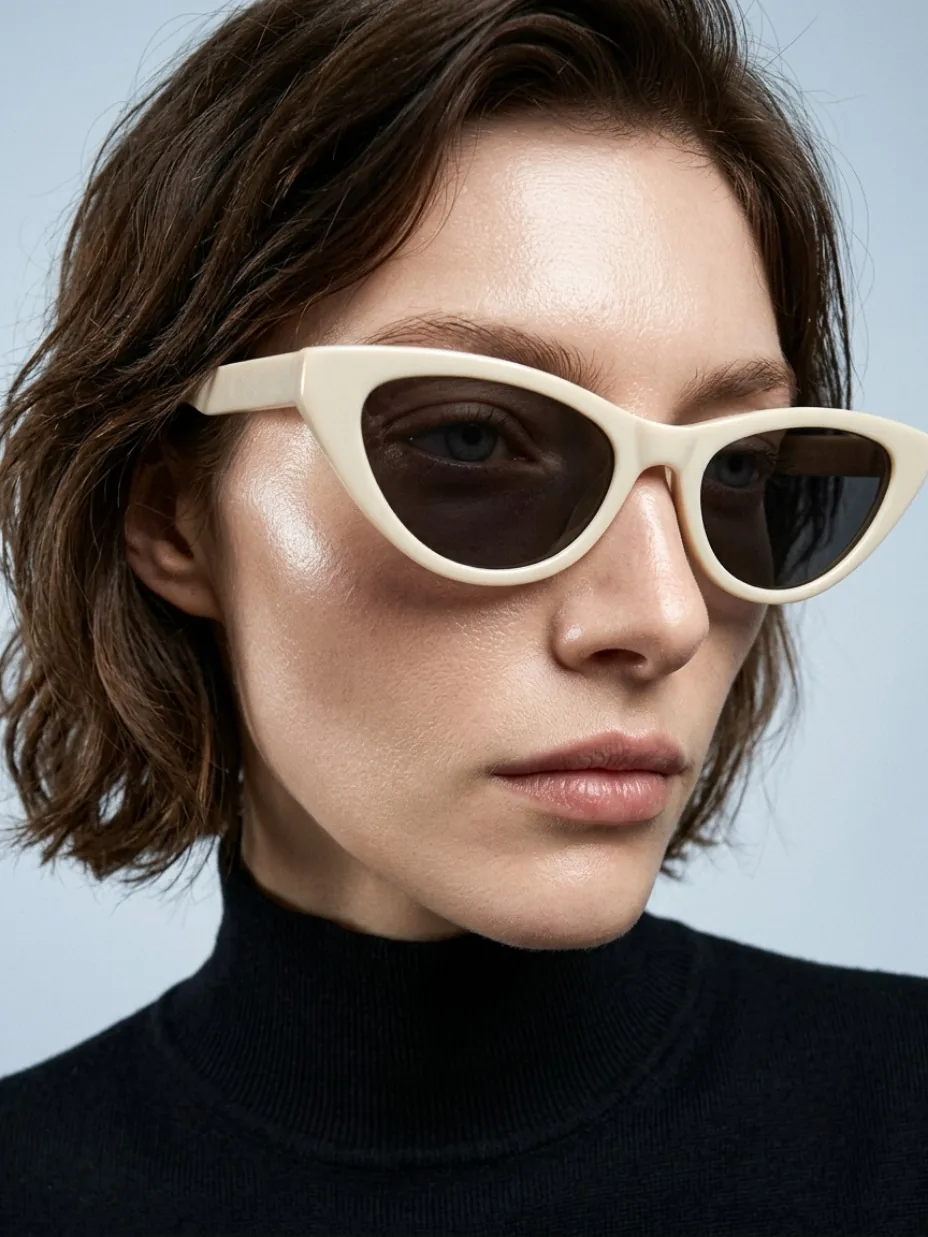
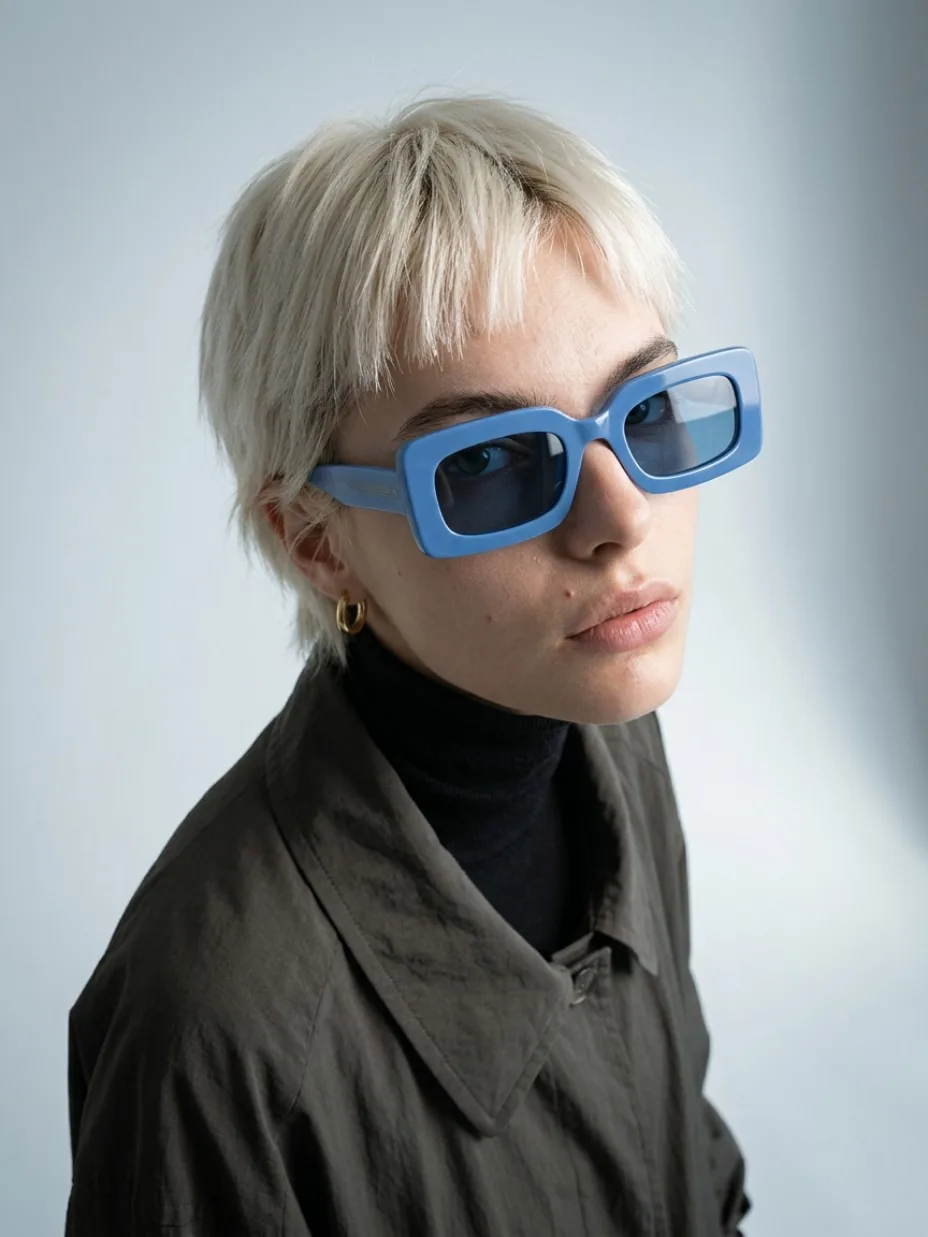
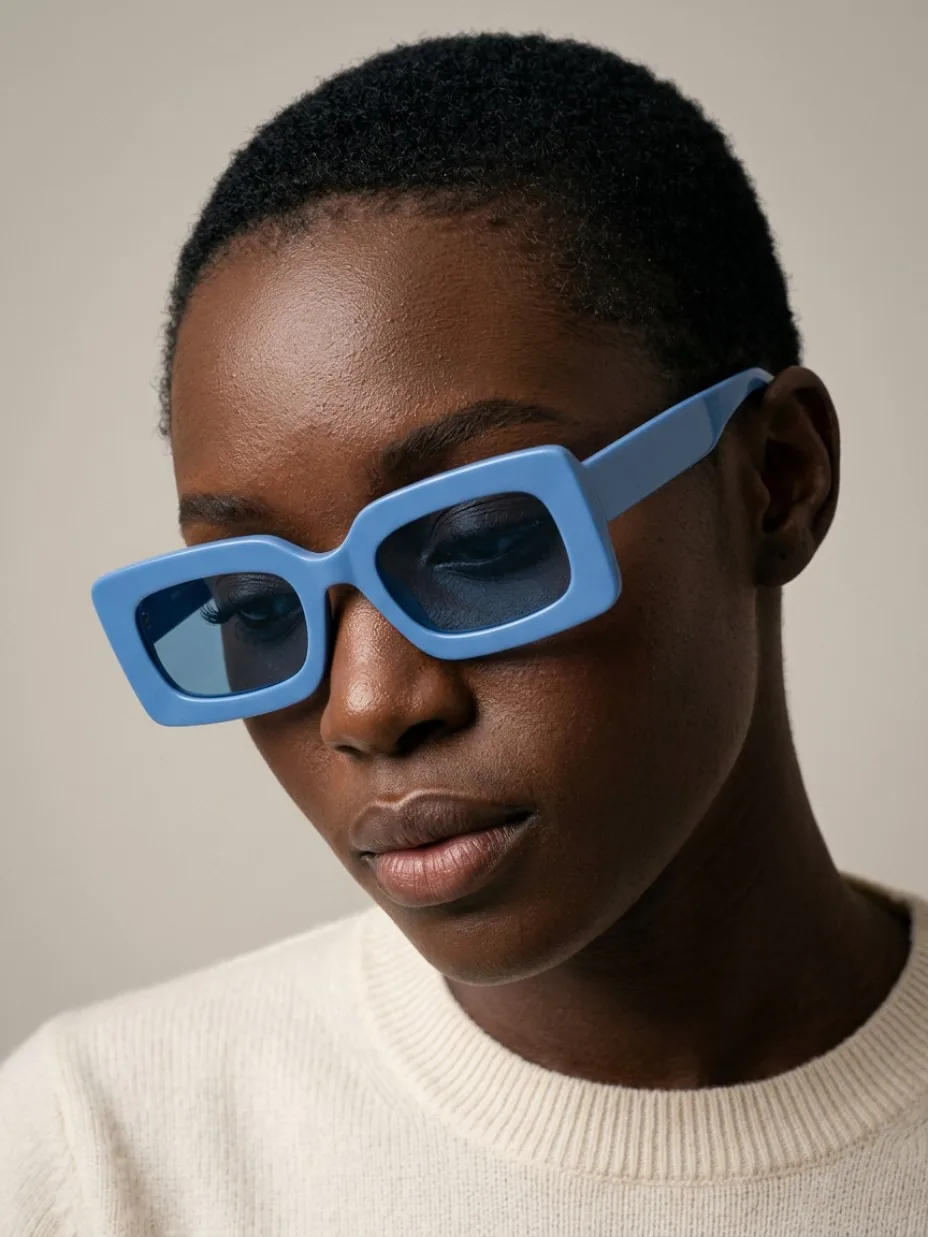
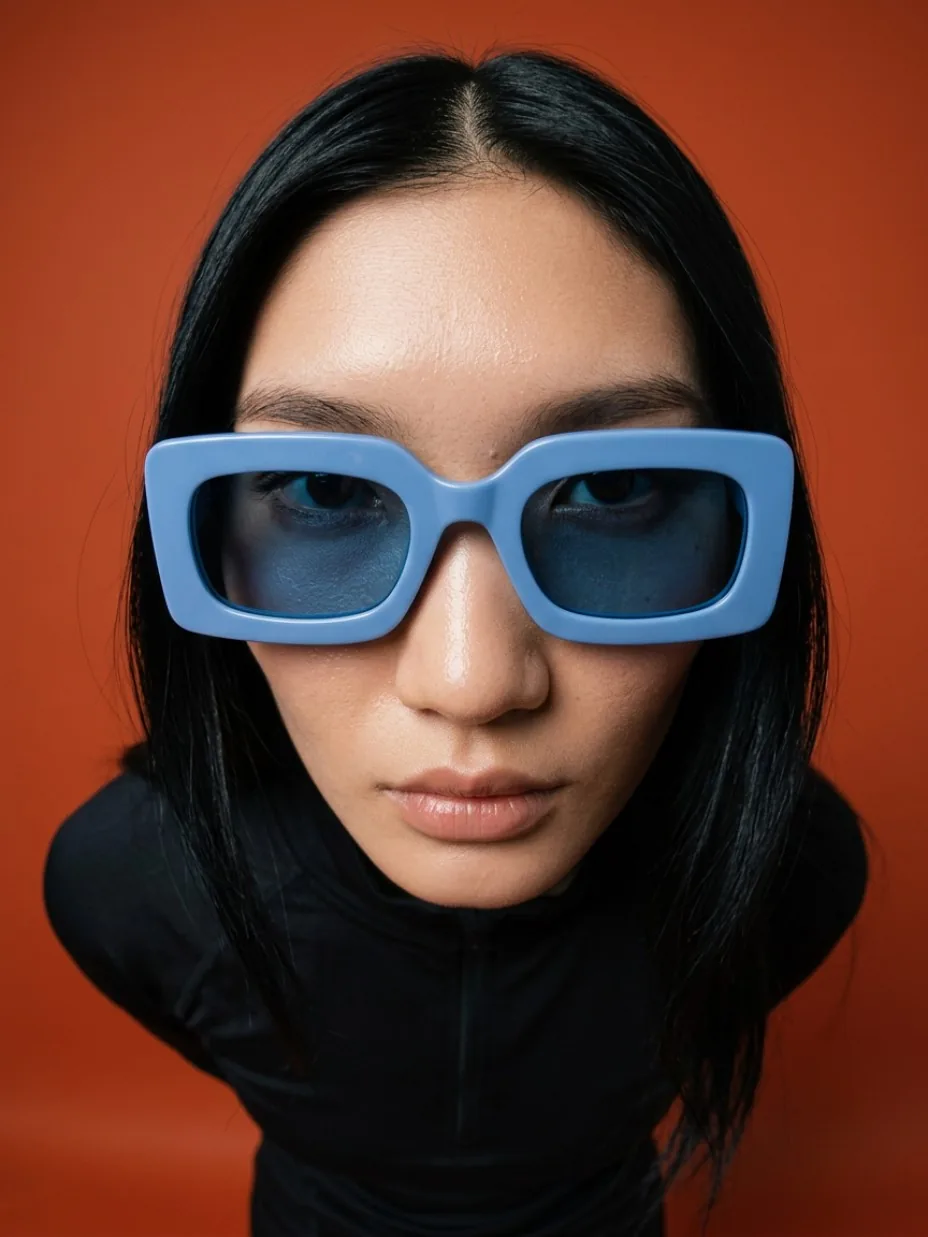
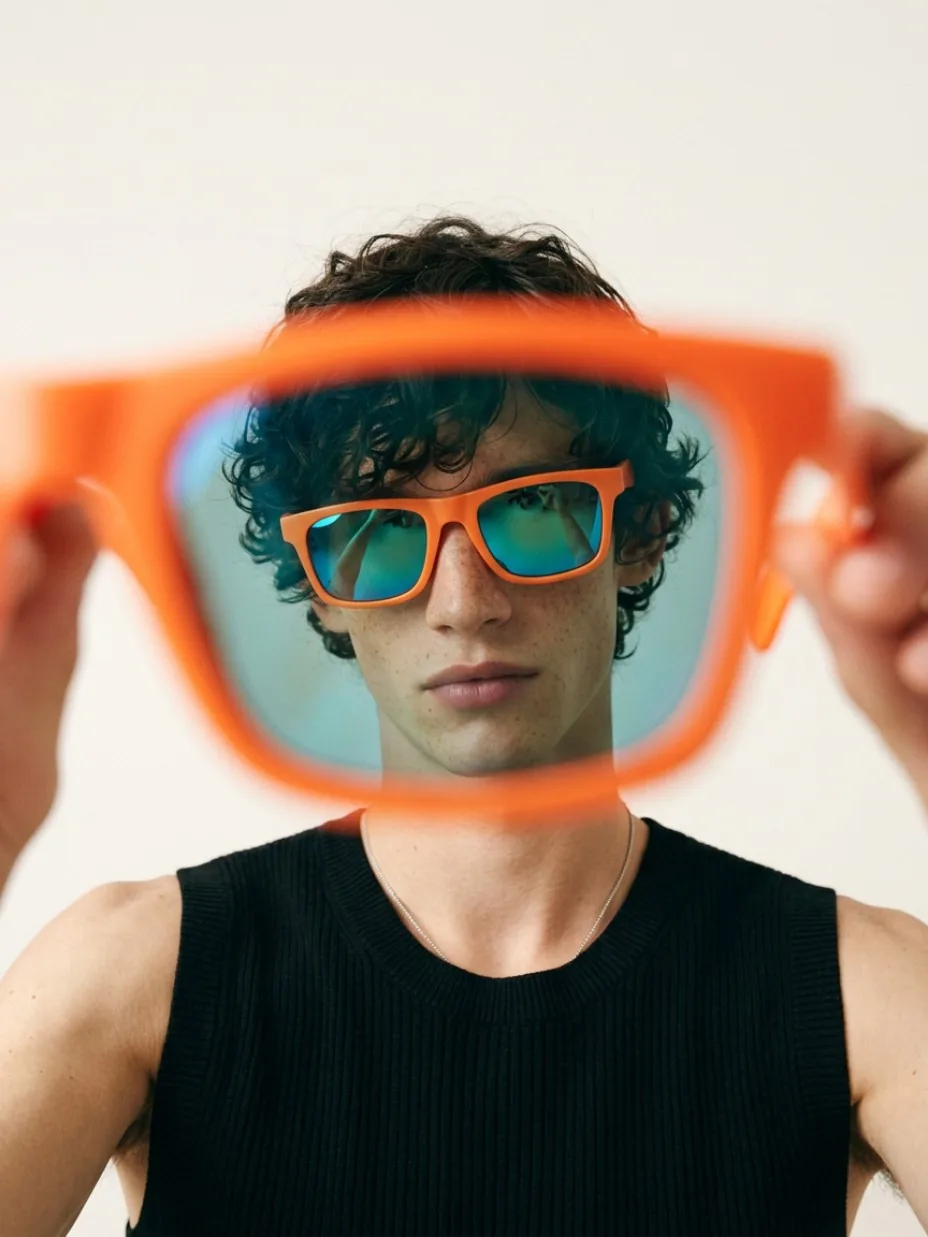
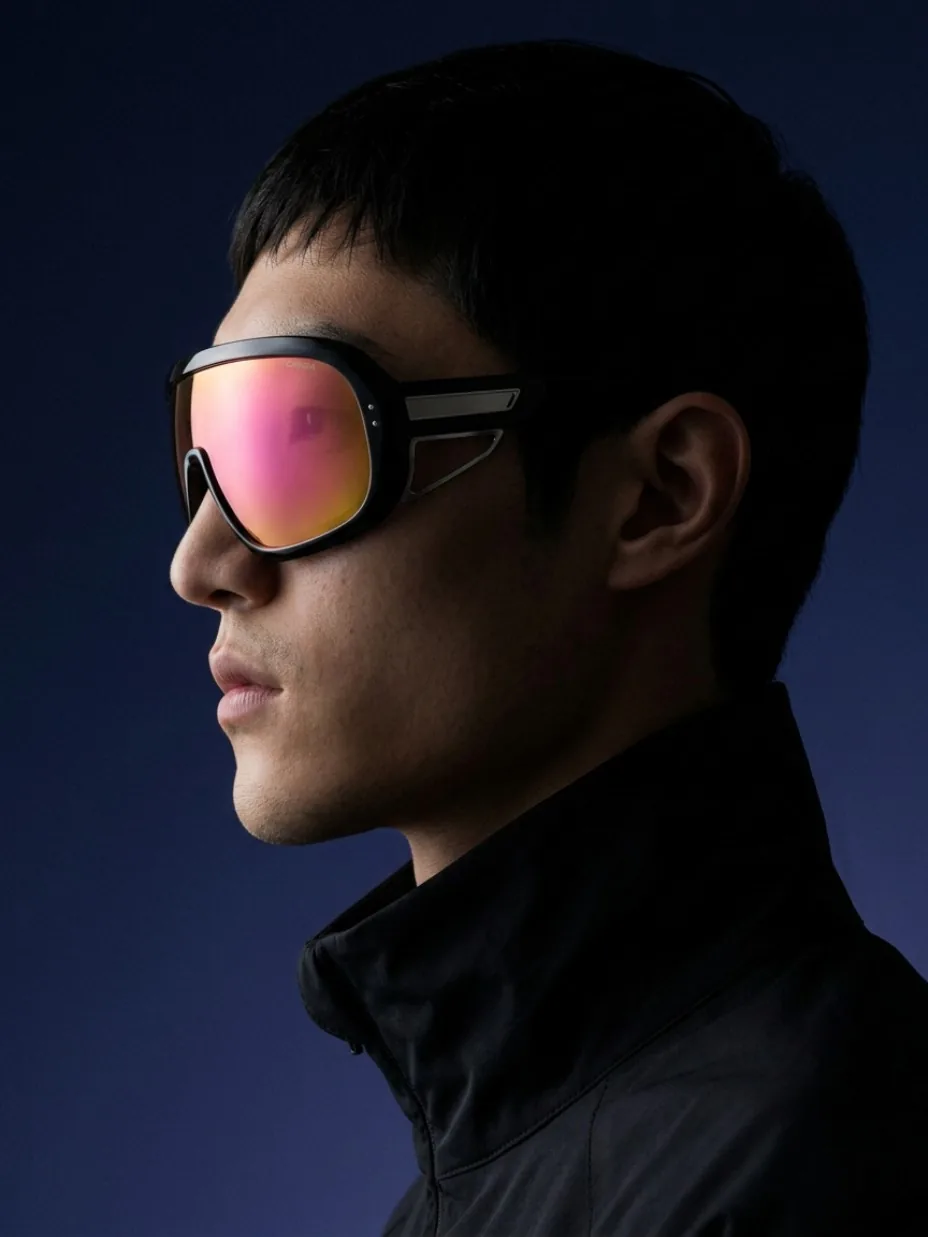
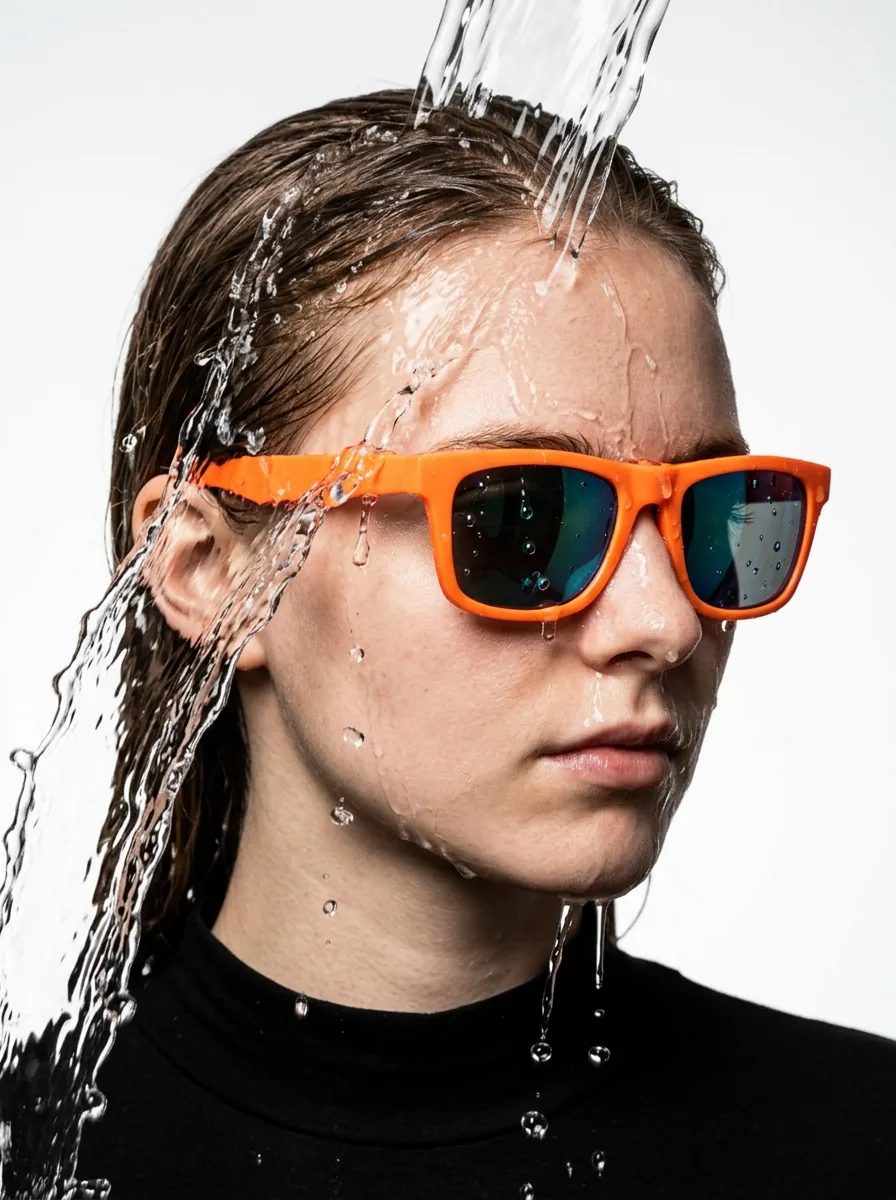
Bring sunglasses and optical frames into on-face portraits, close-ups and editorial campaigns. Start with one product photo and explore the look with Snew.
Drop a photo of your sunglasses or frames
Enable JavaScript to upload your photo, or create your accountThe frame makes the image.
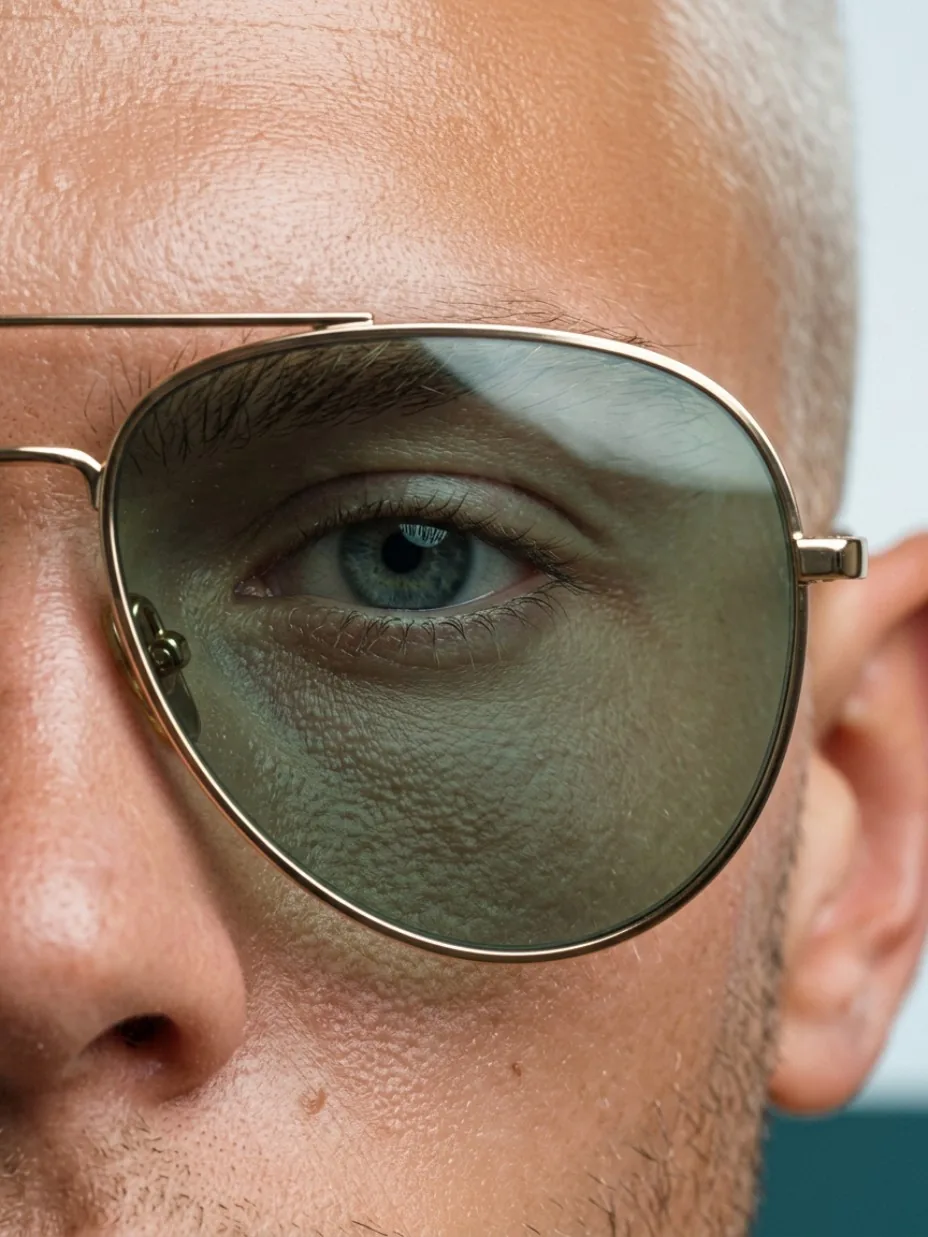
The bridge, the lens tint, the temple: details deserve their own frame. Explore different angles while keeping your eyewear at the center of the campaign.
- 01
Upload your product
Start with one clear photo. Pick a direction from the gallery.
- 02
The direction is ready
An existing preset builds the scene. Adjust the format and context before generating.
- 03
Create in your Board
Sign in to generate with your credits. Your product and result stay together in the Board.
Eyewear campaign questions
- How can I create on-face eyewear photos?
- Snew uses your eyewear photo and an existing preset to generate portraits and close-ups in the Board. Directions include frontal crops, wide perspectives and lens details.
- Do these images prove how frames will fit?
- These are campaign images, not a fit or sizing simulation. Review the bridge, temples, thickness, lens color and frame proportions before publishing.
Upload your photo first. To generate, sign in or create an account and use your credits. View plans and credits.